.png)
Registering file templates
The use of file templates in McFile aims to optimize the operational routine, allowing standardized structures to be replicated quickly. This functionality ensures that essential fields of recurring files are maintained, reducing the time spent creating new records.
Registering File Templates
The system allows users with Information Manager or Administrator profiles to configure standard files that will serve as a basis for future entries.
1. In the navigation menu, go to Input (+) > Digital > File template.
2. Enter the name that will identify the template in the system.
3. Save the form to enable the next options.

4. Use the Insert button to upload the file that will serve as the template.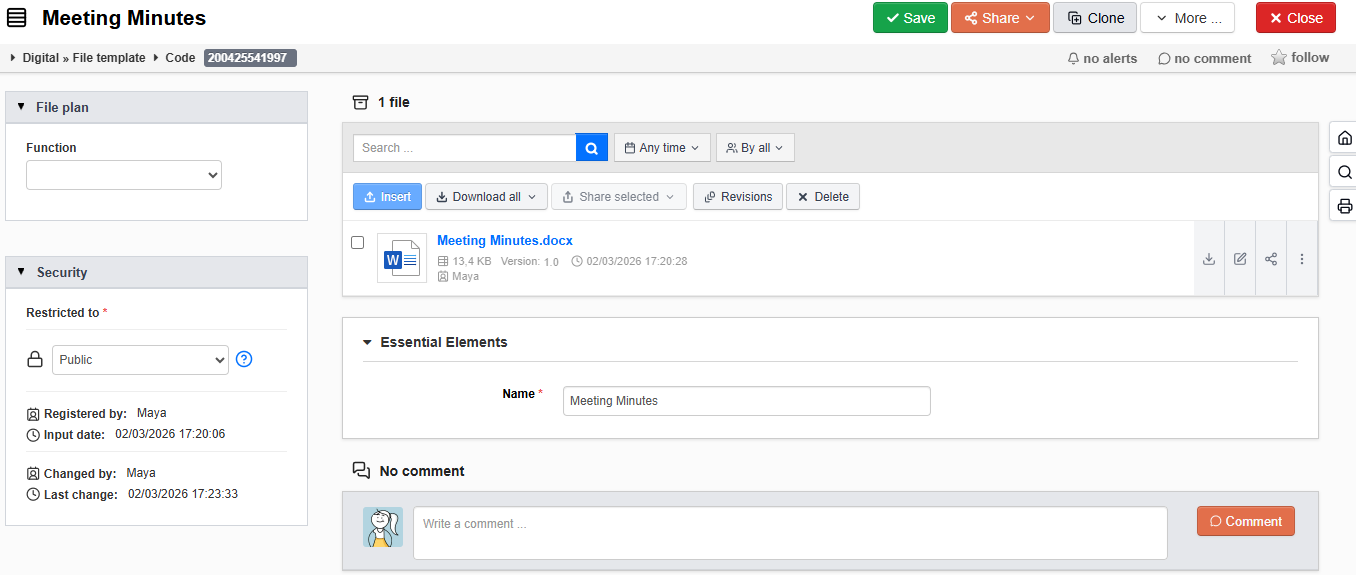
Creating a Template via Document Form
In addition to the navigation menu, it is possible to create a file template directly while filling out a document form.
1. In a saved document form, click the Create button.
2. Select the Choose template... option.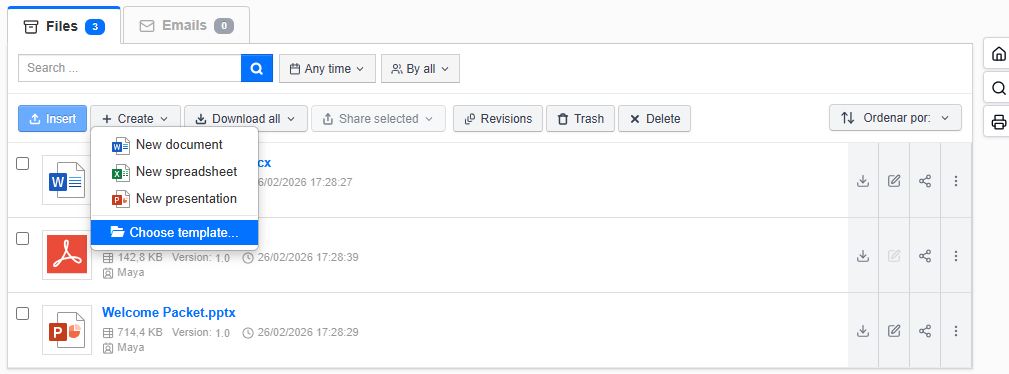
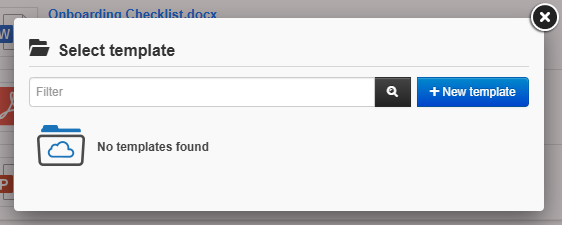
3. Click New template.